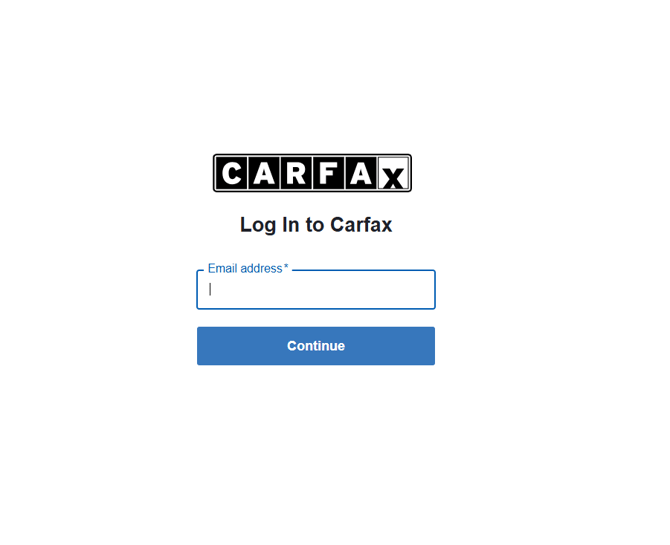
*Please note that only vehicles marked "Advertising" in the Carfax system, will be available to display reports on your eBizAutos website.
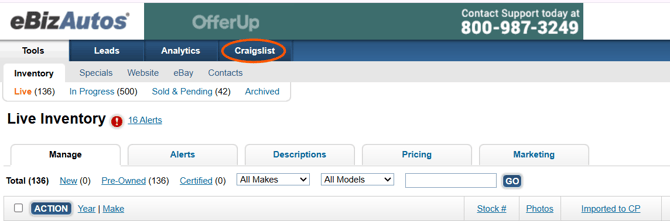
Step 1 – Log into eBizAutos.com and click the word Craigslist
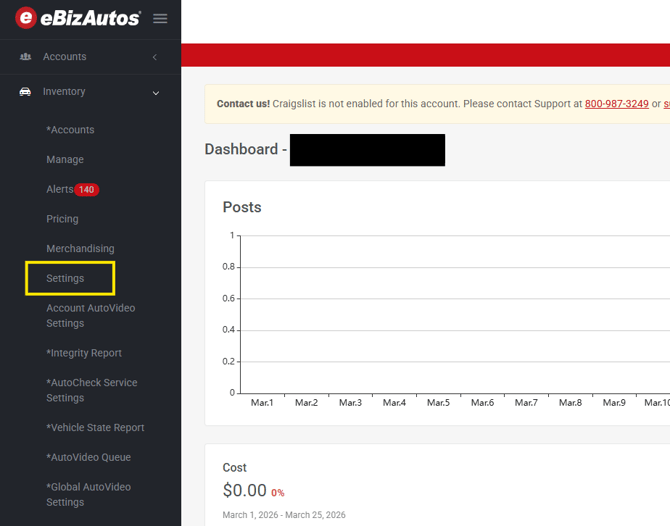
Step 2 – Look for the word Inventory then click the arrow to the right to cause the menu to drop down. Click Settings
Step 3 – Click the word Edit, outlined in green below.
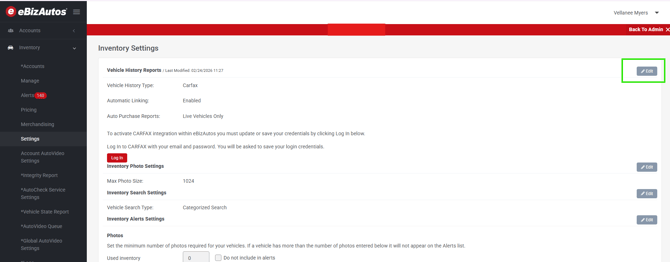
Step 4 – Review each of your options to determine each of the following:
Activate Automatic Linking - which will automatically update the reports should any information change.
Auto Purchase Reports – Determines which status of vehicle, reports should be purchased for.
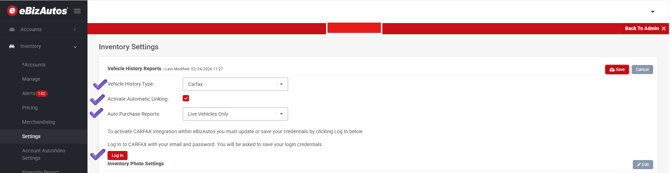
Step 5 – Click the red Log In button. This will take you to the Carfax website where you will need to enter your credentials to connect eBizAutos to Carfax.